
Most important: it’s software, not hardware
Here’s what the forum panic won’t tell you up front: you almost certainly don’t have a faulty phone and you have no repair to pay for. The problem comes from an iOS 27 bug that Apple has publicly confirmed and is preparing an update for (iOS 27.0.1). Some people have already asked Apple for a replacement — it isn’t necessary. Wait for the update, apply it, done.
Problem 1: failed Face ID → freeze and reboot („panic-full”)
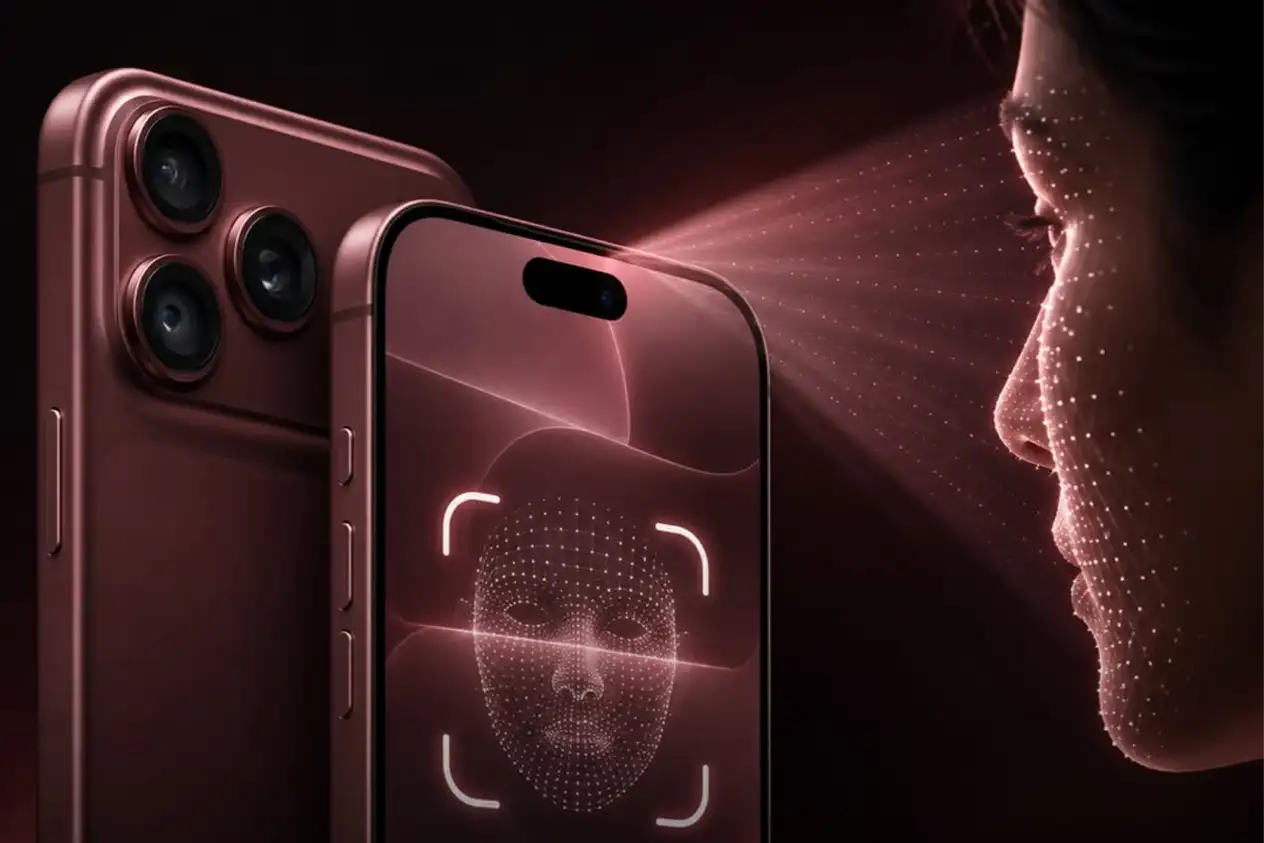
The most serious and most common one. The scenario is very specific: you try to open a protected app — for example the Passwords app or a private Safari tab — with Face ID. The first check fails, you tap „Try Face ID Again”, and at that moment the phone freezes, stops responding to touch for a few seconds, then hits a kernel panic and reboots to the lock screen.
The detail that clears things up for many people: the problem doesn’t occur with normal Face ID from the lock screen — only on the retry inside protected apps. A trace named „panic-full” is left in the phone’s logs. It’s speculated to relate to the new, smaller Face ID module on the 18 Pro series combined with an iOS 27 bug — but the cause is software, not a broken part.

Problem 2: touch that stops responding
Separately from the reboots, some users report touch „dead zones” — the screen briefly ignores taps and swipes, especially right after unlocking or during rapid typing. There’s also a reproducible case: if you swipe down simultaneously from the top-left and top-right corners (opening Notification Center and Control Center at the same time), touch can lock up completely.
This is software too: iOS 27.0.1 is expected to fix this behavior as well. Until then, avoid the two-corner gesture, and if the screen „freezes”, do a force restart.
„It shuts down and only powers on manually” — force restart
After a kernel panic, the phone should reboot on its own within a few seconds. In some cases it stays stuck on black and needs help. The force restart, step by step:
- 1 Press and quickly release the Volume Up button.
- 2 Press and quickly release the Volume Down button.
- 3 Hold the Side button until the Apple logo appears (it can take 10–20 seconds). Then release.
You won’t lose your data — it’s just a restart. If a specific app repeatedly triggers the freeze, open it with your passcode, not Face ID, until the update.
What to do until the fix lands
Install iOS 27.0.1 as soon as it’s out
From Settings → General → Software Update. It’s the official fix for the Face ID bug and the corner-swipe touch bug.
Use your passcode in protected apps
For Passwords, private tabs, etc., unlock with your passcode instead of Face ID — you avoid the exact scenario that triggers the reboot.
Avoid the two-corner gesture
Don’t swipe down from top-left and top-right at once. Open Control Center and Notification Center separately.
Don’t swap or repair the phone
It’s software. Don’t pay for a repair or reflexively demand a replacement — the update fixes the cause.
The status of Apple’s fix
The bug surfaced around September 21, and on September 23 Apple officially confirmed it’s working on an update. iOS 27.0.1 is expected around September 29, 2026 and, according to reports, fixes both the Face ID freeze/reboot (in protected apps) and the touch lock-up caused by the simultaneous two-corner swipe. In other words: if you’ve been putting off updates, now it’s genuinely worth doing it as soon as it appears.
If the problem persists after the update
In the rare case where the crashes continue after iOS 27.0.1, you might indeed have a faulty unit — and the iPhone 18 Pro, being new, is under the 1-year Apple international warranty, so replacement/repair is covered. If you want a second opinion first, we’ll go through the „panic-full” logs and tell you honestly whether it’s residual software or a hardware sign — without charging you for a problem that doesn’t exist.
Radical Service — services and guides
Sources: 9to5Mac (the Face ID bug), 9to5Mac (Apple confirms the fix), Macworld (the two bugs), AppleInsider (iOS 27.0.1). Status may change as Apple ships the update.