
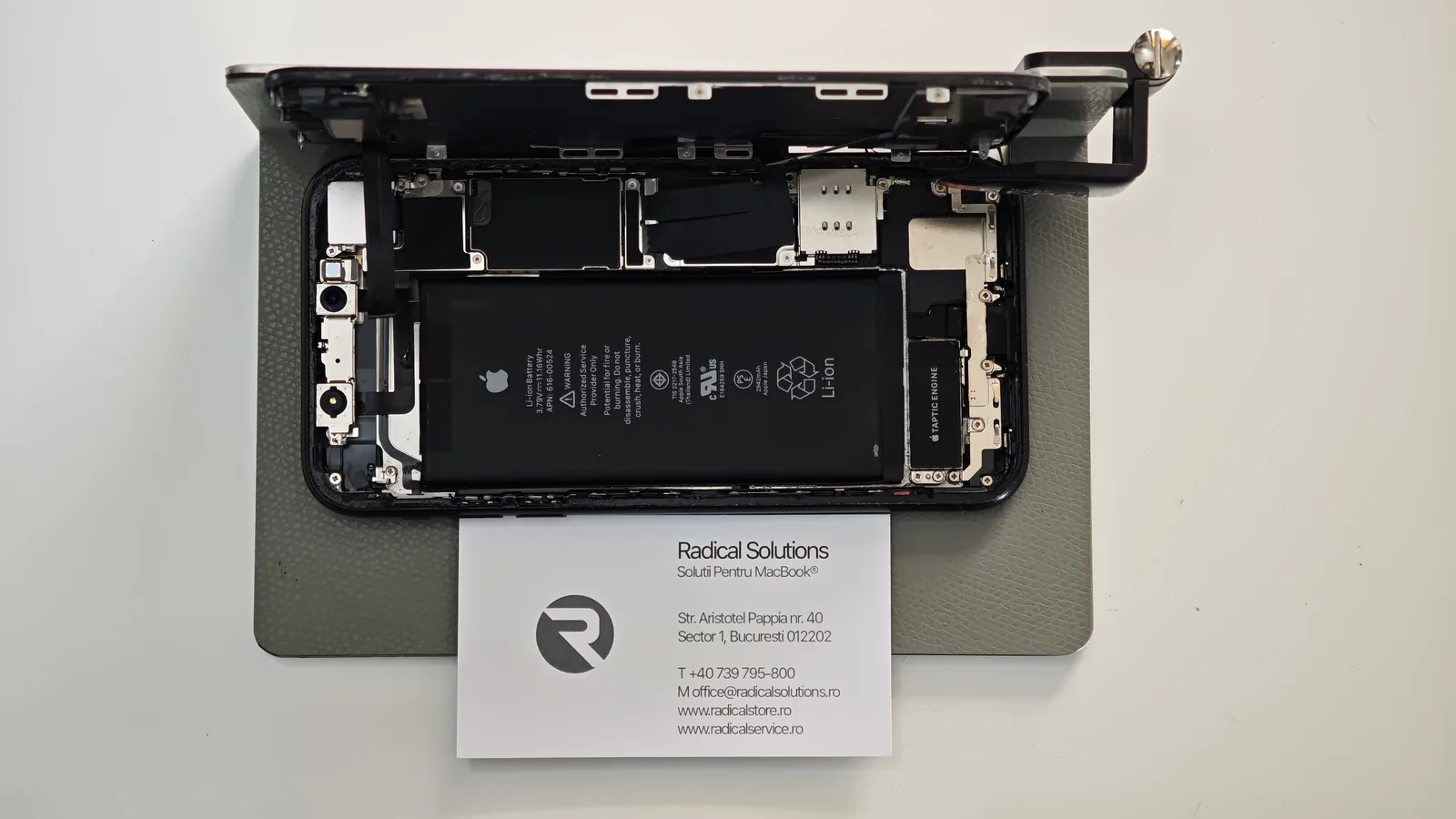
The math doesn’t add up. And yet.
In the workshop, most of the time our honest advice is simple: if the repair costs as much as a new phone, it isn’t worth it. We say that often, and we lose jobs because of it. But there’s a category of cases where the rule no longer applies: when you’re not repairing the phone, but what’s inside it.
Photos from a birth, conversations with someone who’s gone, years of work notes, authentication codes. None of them shows up on a classifieds site with a price. For the owner of this XR, the phone was just the box. The contents were the reason they came.
Why you can’t just „pull” the data off
Many people think that if the phone is dead, you can simply take out the storage and read it on a computer, like a USB stick. On an iPhone, that doesn’t work. The data is encrypted, and the decryption keys are tied to the processor and logic board of that specific phone.
In short: storage taken out of the phone is just an unreadable string of data. The only road to the photos and conversations is to make the phone boot again, at least long enough to save its contents. That’s why, on an iPhone, data recovery after liquid is really a board-level repair. And that’s why where you take the phone matters so much.
What we found inside
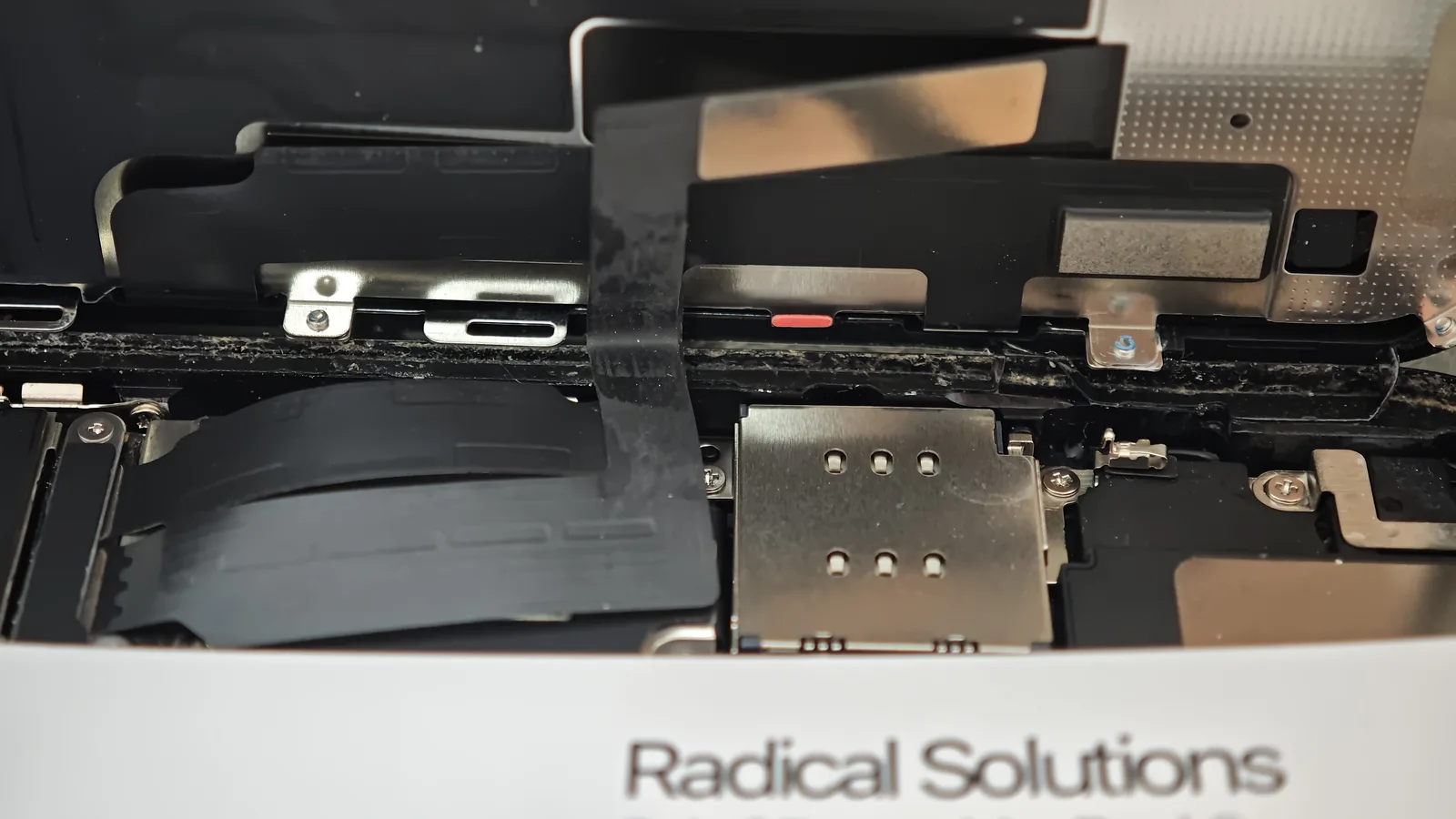
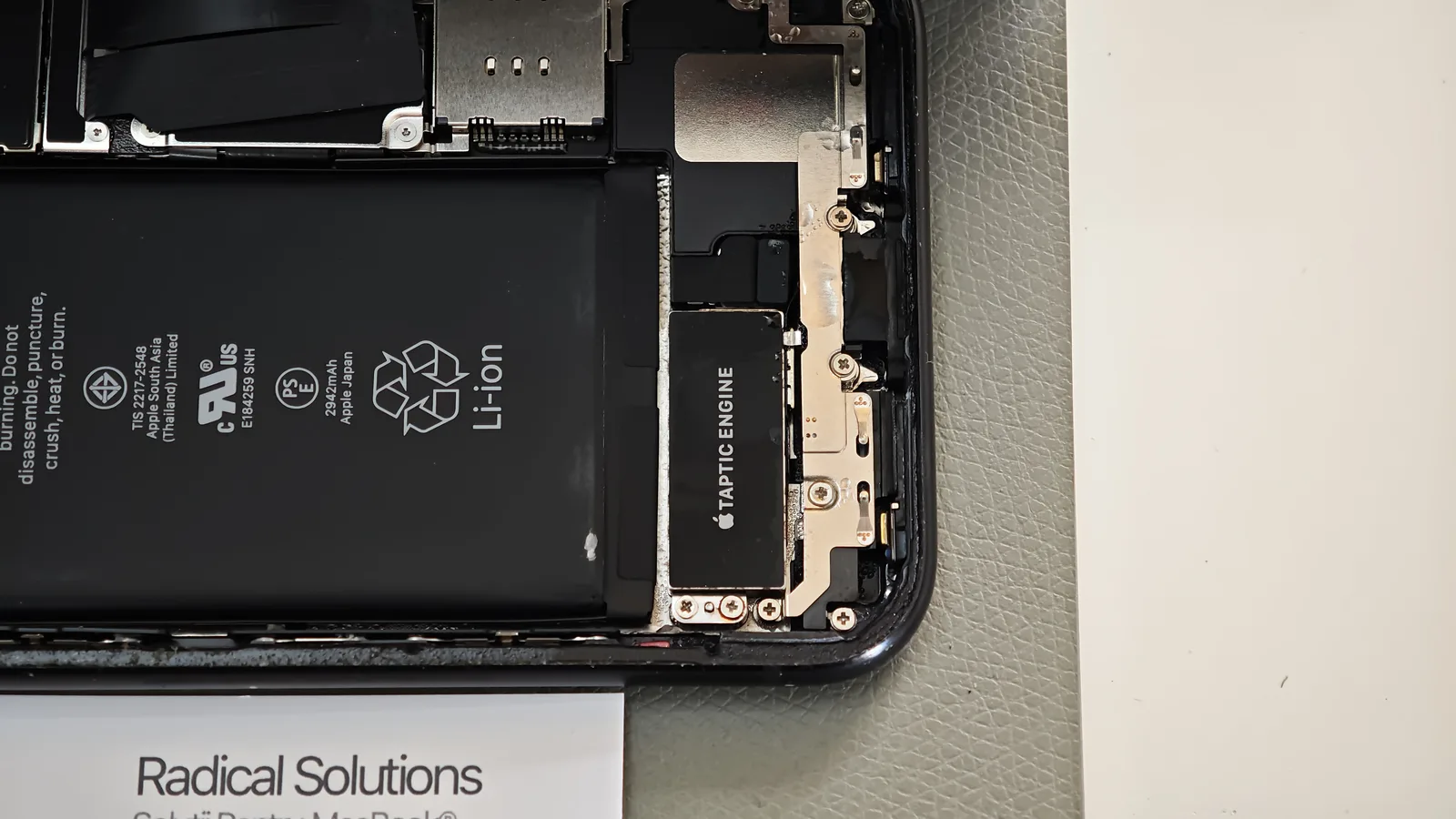
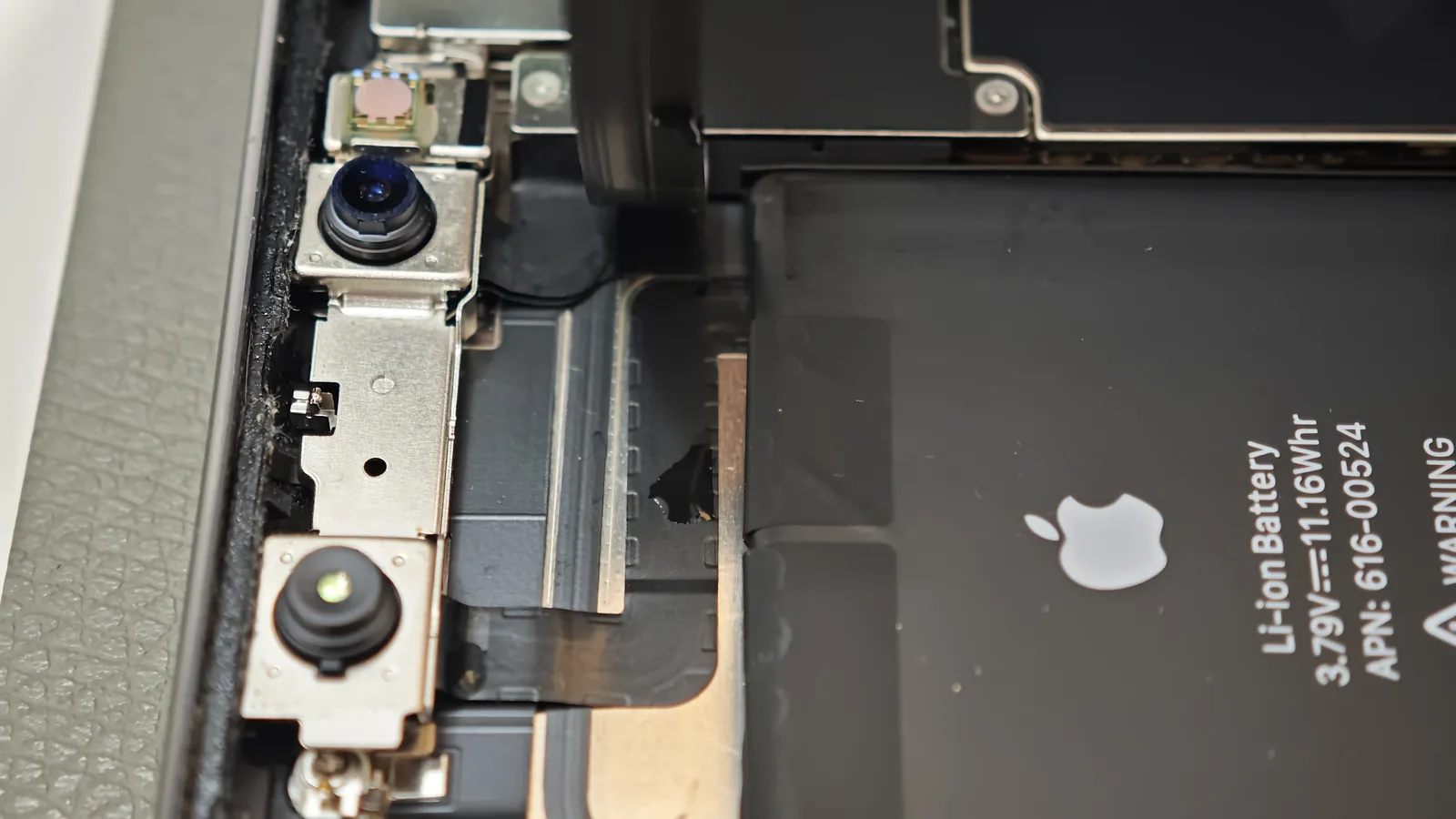
Liquid doesn’t stay politely in one corner. It gets in at the edges, under the frame gasket, and spreads wherever it finds a way. On this XR, the traces were everywhere.
How we worked
With important data at stake, the order is even stricter than usual. One mistake, for example powering a shorted board too early, can make the difference between „we saved it” and „it’s gone”.
No power until we know what’s there
The battery is disconnected first. We don’t power the board „to see if it works”.
Thorough cleaning
We remove the liquid residue from the board and around components to stop the corrosion.
Board-level diagnosis
Under the microscope and with measurements, we find exactly what was affected before any intervention.
Repair, then a controlled start
Only after the repair do we power the phone, carefully, checking it boots stably.
Data first
Once it’s running, the priority is for the owner to save their data, then we check the remaining functions.
✓ The outcome
The iPhone XR boots again, and the data is intact. The owner recovered everything that mattered and is still using the phone. On paper, they paid more than an XR is worth. In reality, they paid for something that could no longer be bought.
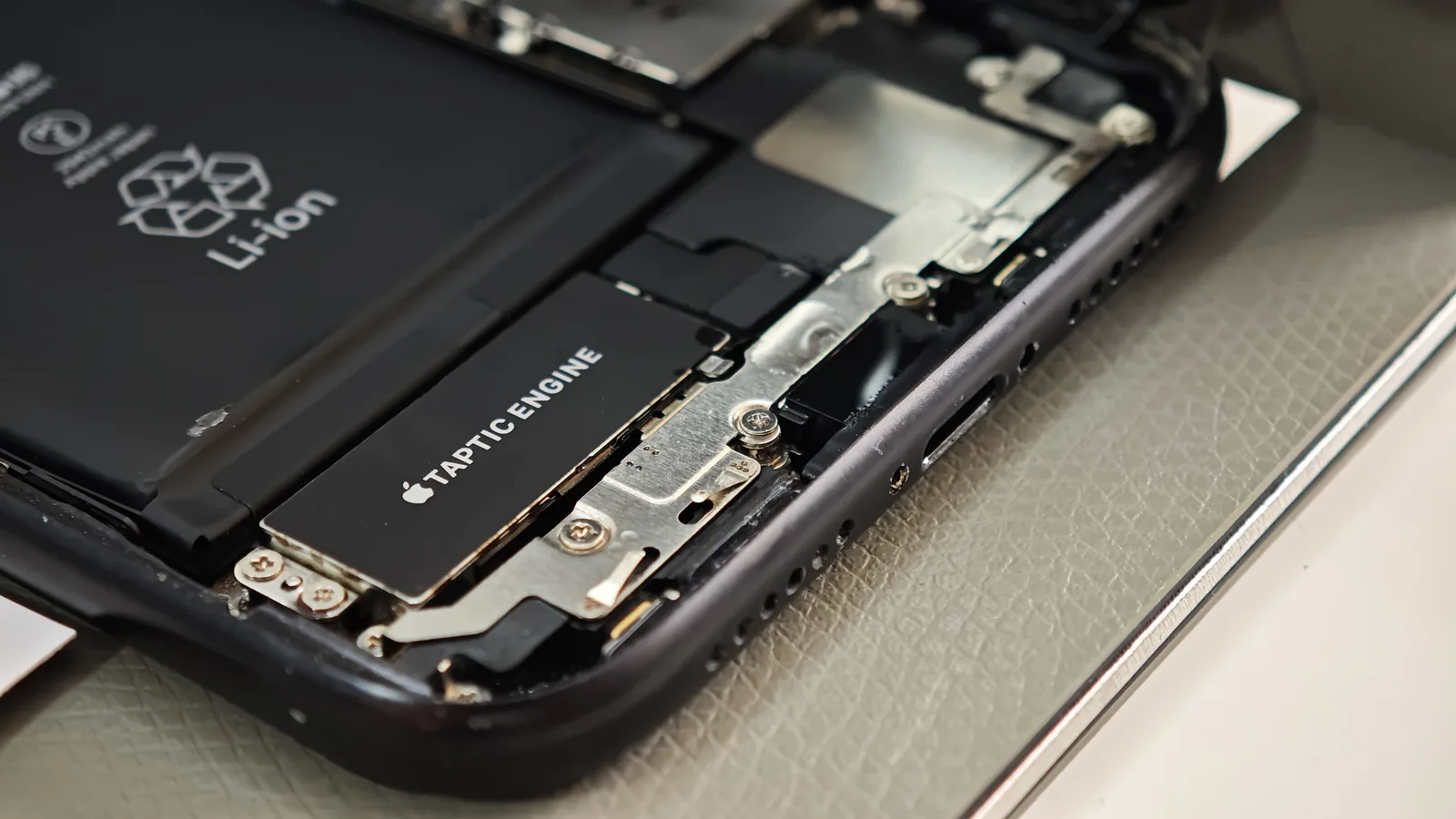
If it happens to you: what NOT to do
✗ Don’t restore it from Finder/iTunes
A restore erases everything. On a phone with important data, it’s the most expensive mistake possible.
✗ Don’t charge it „to see if it works”
Current on a wet board speeds up corrosion and can cause a short that complicates recovery.
✗ Don’t dry it on a radiator or with a hairdryer
Heat doesn’t stop corrosion and can damage the battery and screen.
✗ Don’t wait for it „to dry on its own”
Every day with residue on the board means more corrosion and lower chances.
The cheapest lesson: back up
This story ended well. Many don’t. The best data recovery is the one you never need: turn on iCloud Backup (Settings → your name → iCloud → iCloud Backup) or back up to a computer regularly. With a recent backup, a destroyed phone is a money problem. Without it, it can be a loss you never get back.
See also: what happens when liquid has time to work and a MacBook Pro 16 with liquid, dust and soil.