

How it started: a line on the screen
It all started with a line on the display. Annoying, but a clear problem: diagnostics, a new display, done. Except the owner chose to try it themselves first. They opened the laptop and handled the display connector, probably thinking that unplugging and replugging it would make the line go away.
It didn’t. Instead, the connector on the logic board was damaged, and the display backlight connector was affected too. By the time the laptop reached us, the repair list had grown from one item to three.
What we found under the microscope
To the naked eye, the connector just looks „a bit bent”. Under the microscope you see the real problem: deformed and damaged pins in the middle of the connector, where it was forced. The pins sit a few tenths of a millimetre apart, so any wrong pressure bends them or makes them touch.
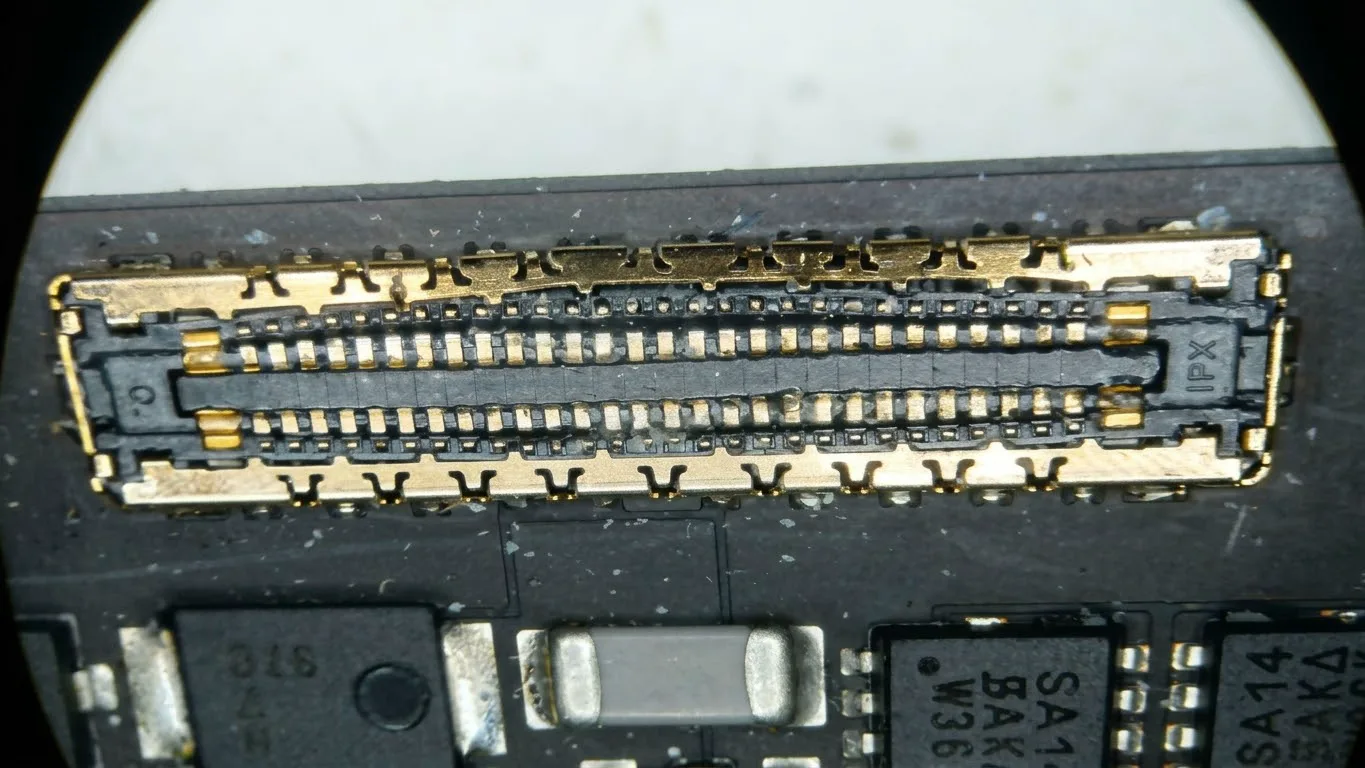
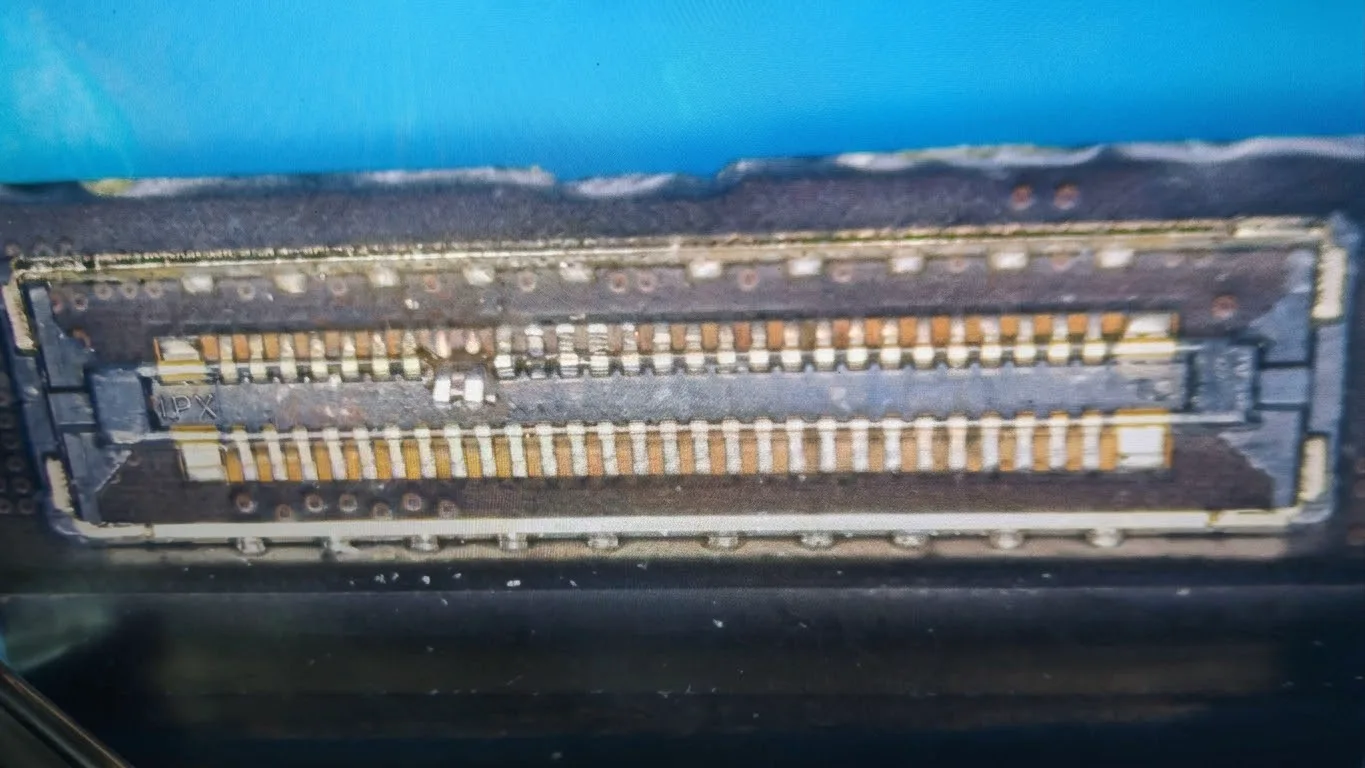
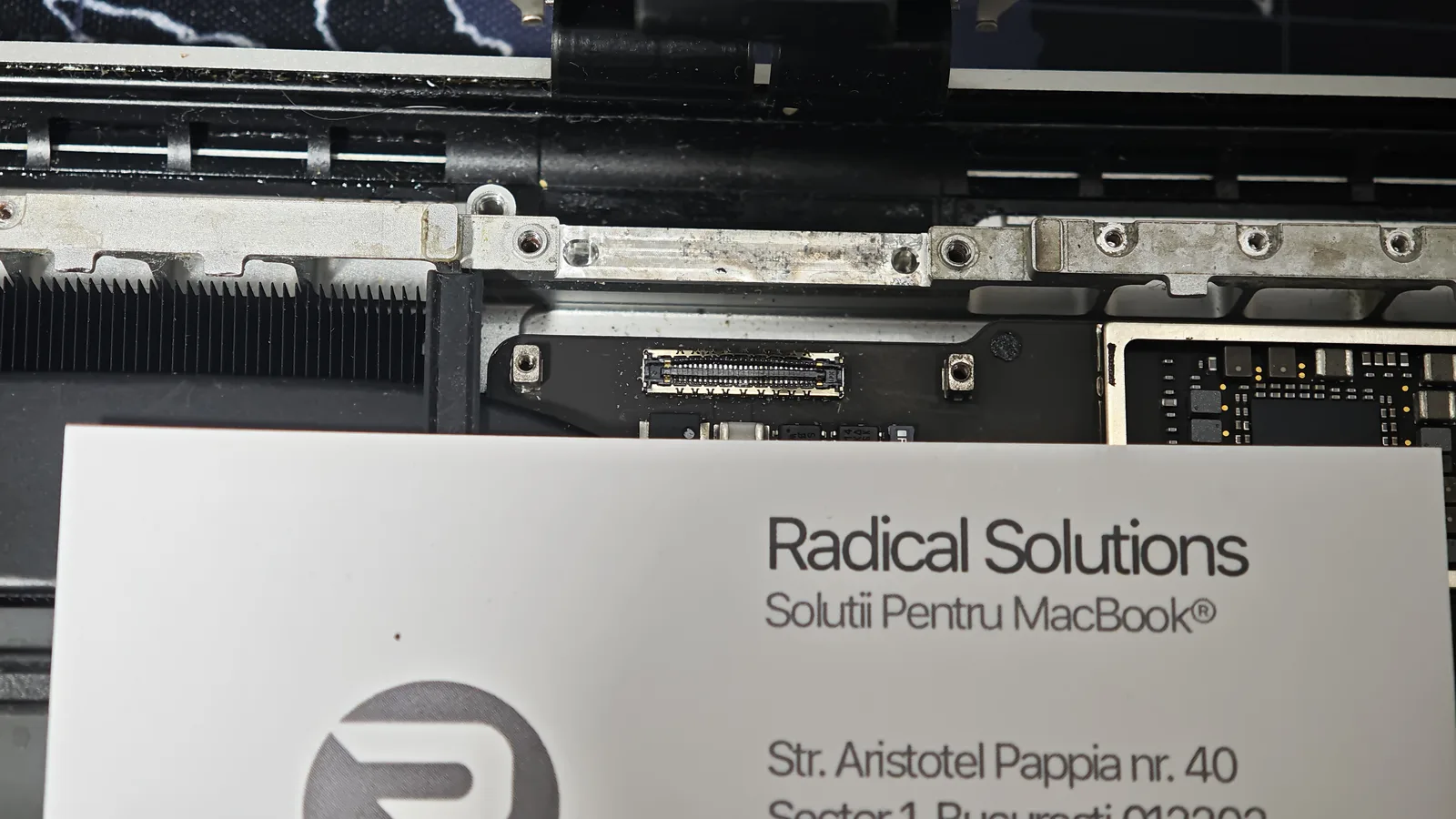
What needs repairing now
1. The display
The original problem, the line, is still there. The display has to be replaced anyway.
2. The logic board
The display connector on the board has to be removed and replaced, and the surrounding area checked under the microscope.
3. The backlight connector
The connector that powers the display backlight was damaged and needs repairing.
In short: a display repair became a display, logic board and connector repair. More time, more parts and, inevitably, a higher cost than if the laptop had come straight to us.
Why this isn’t a repair to do at home
We understand the temptation. There are tutorials for everything online, and an expensive laptop makes you look for the cheapest option. But on an Apple Silicon MacBook Pro, a few things make the difference between a repair and damage:
Very fine connectors
The pins sit a few tenths of a millimetre apart. They’re unplugged and plugged straight, with the right tools, never at an angle or with force.
The battery goes first
If you handle the display connectors with the battery connected, you risk a short circuit on the display and backlight circuits.
The cause isn’t always where it seems
A line can come from the panel, the cable or the board. Without diagnostics, you „repair” at random and can break what was working.
Got a line on your display or another screen problem?
Don’t open the laptop. Bring it in for diagnostics: we’ll tell you exactly what’s faulty and what it costs, before any work. It’s the cheapest option, even when a home attempt seems to cost nothing.


